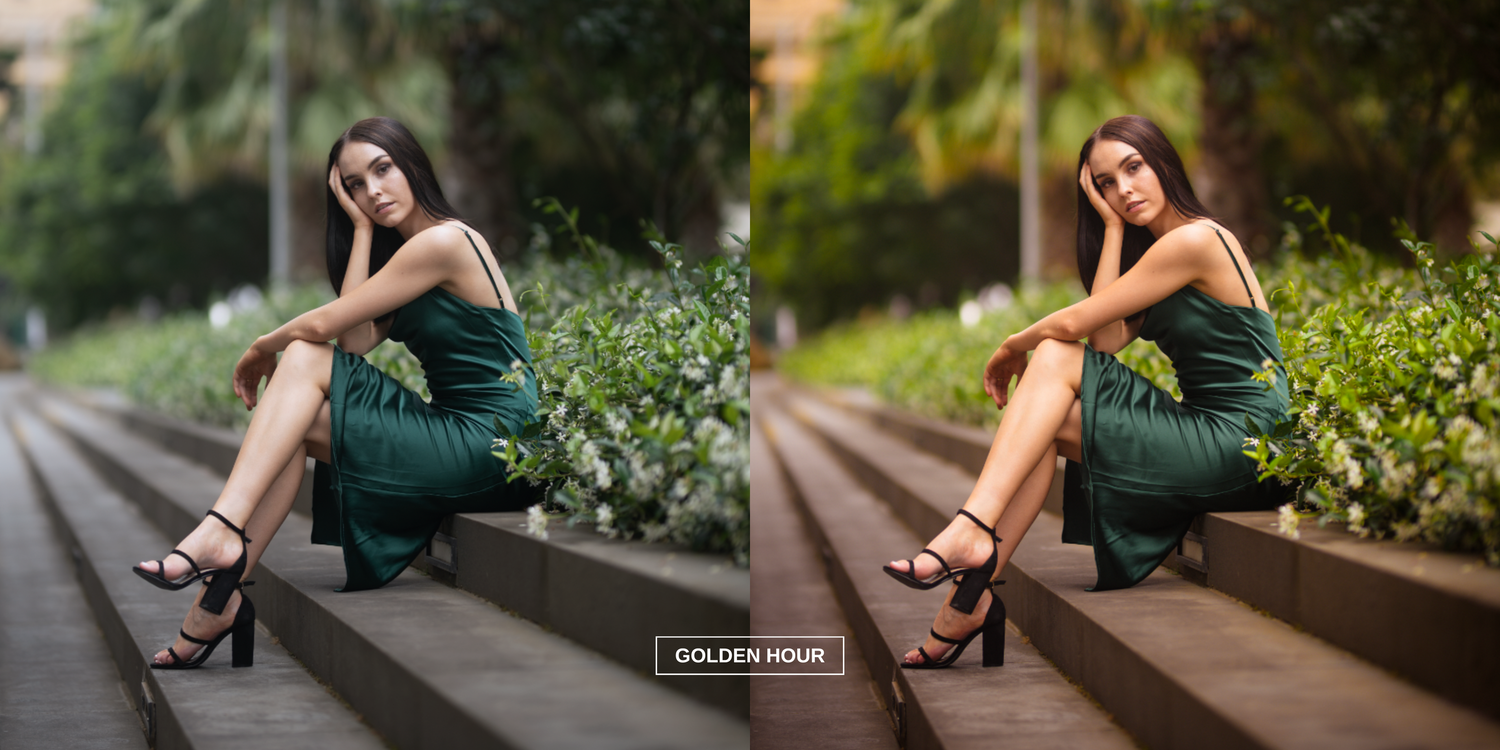
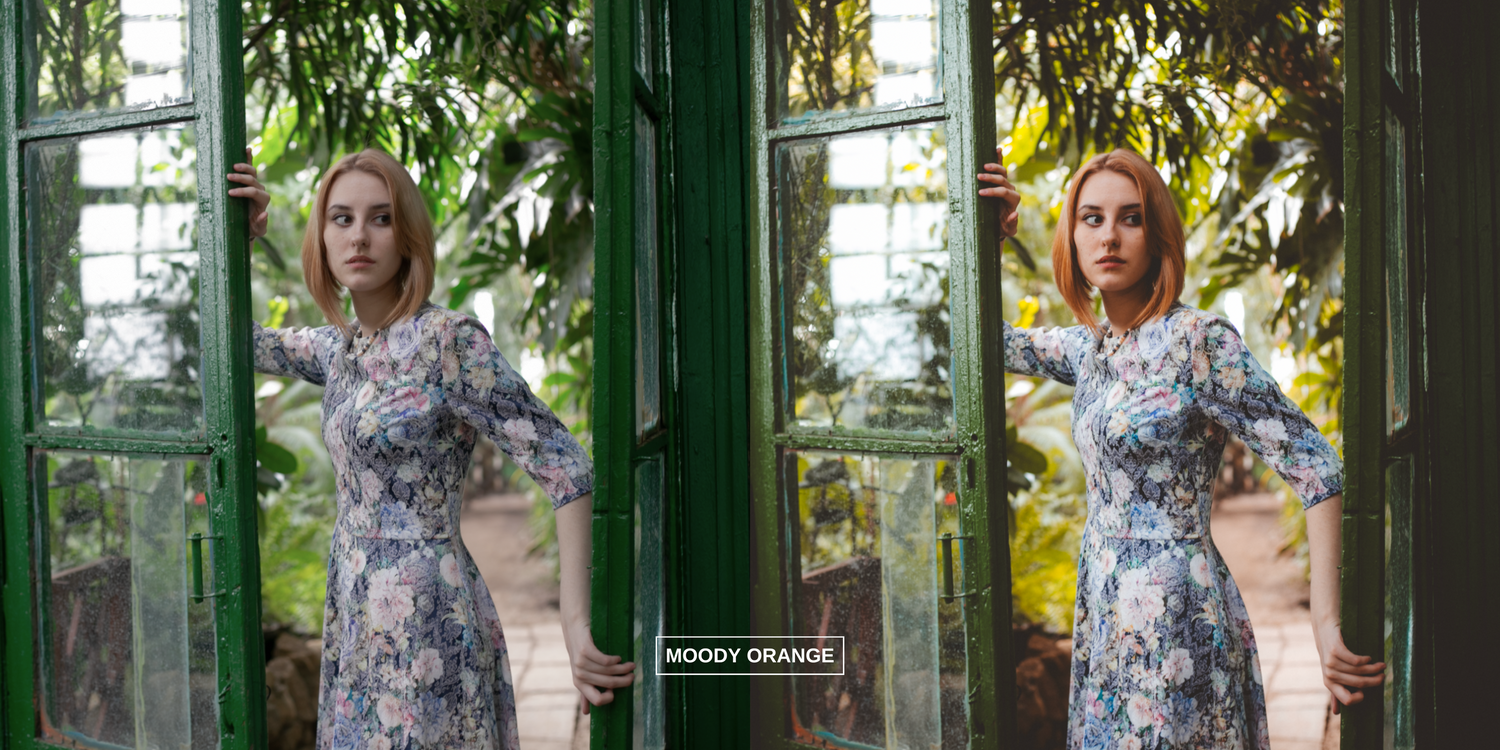
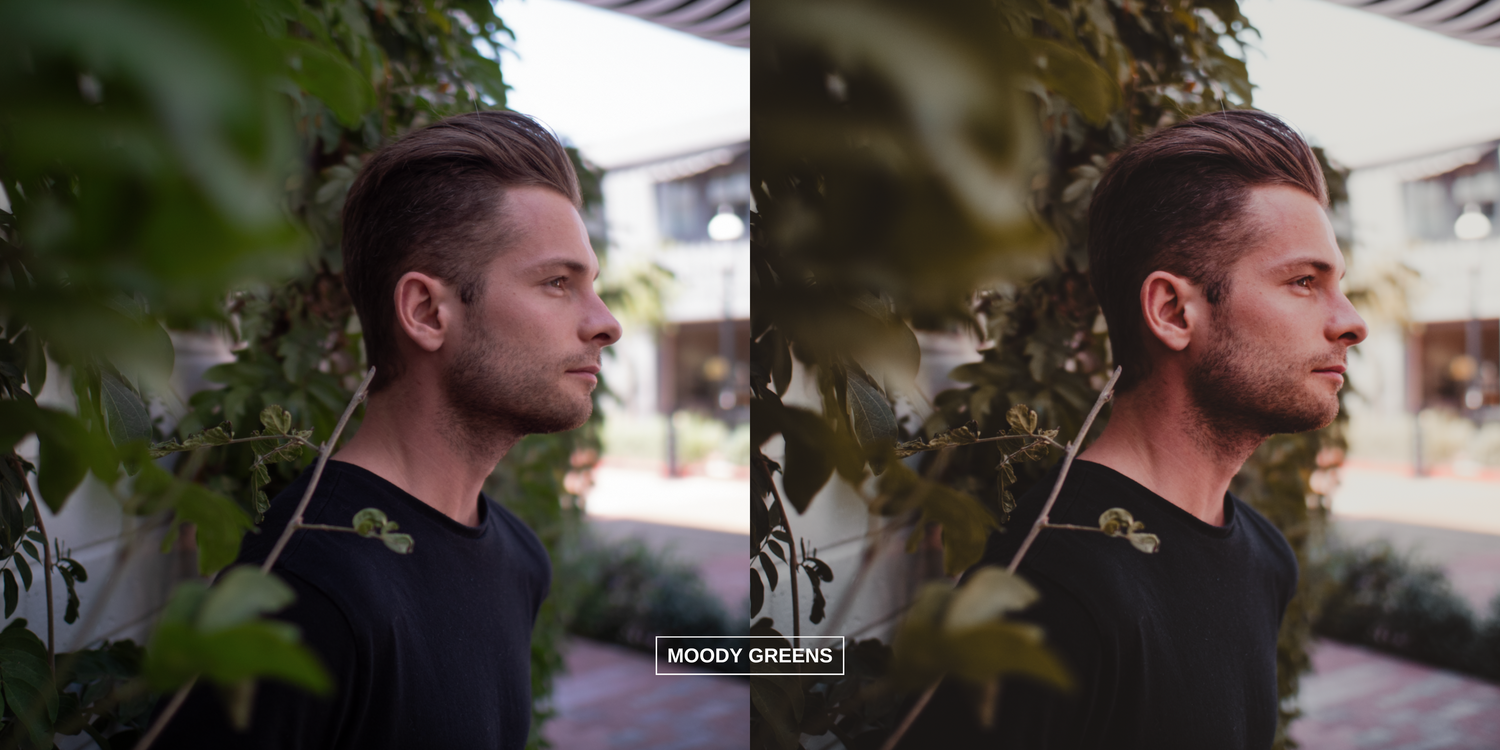
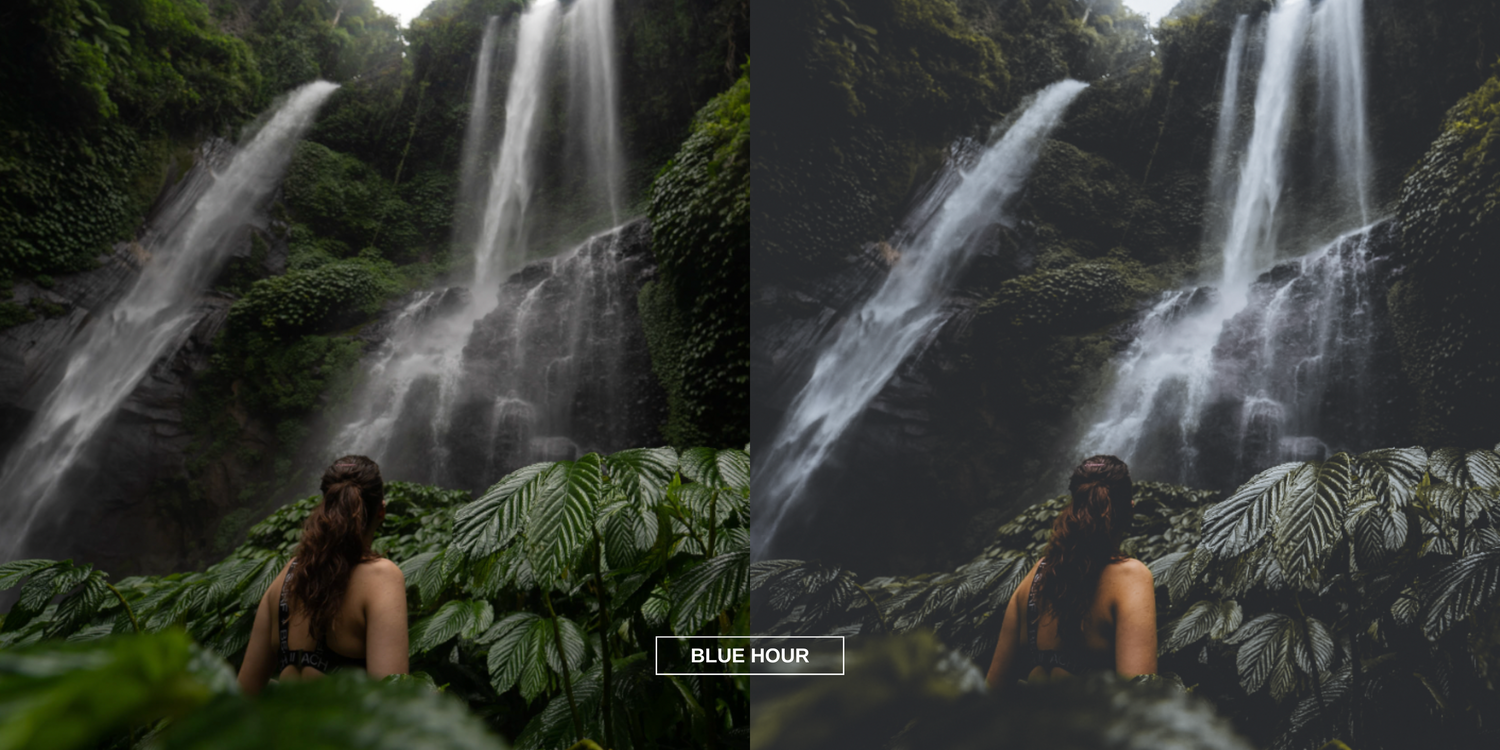
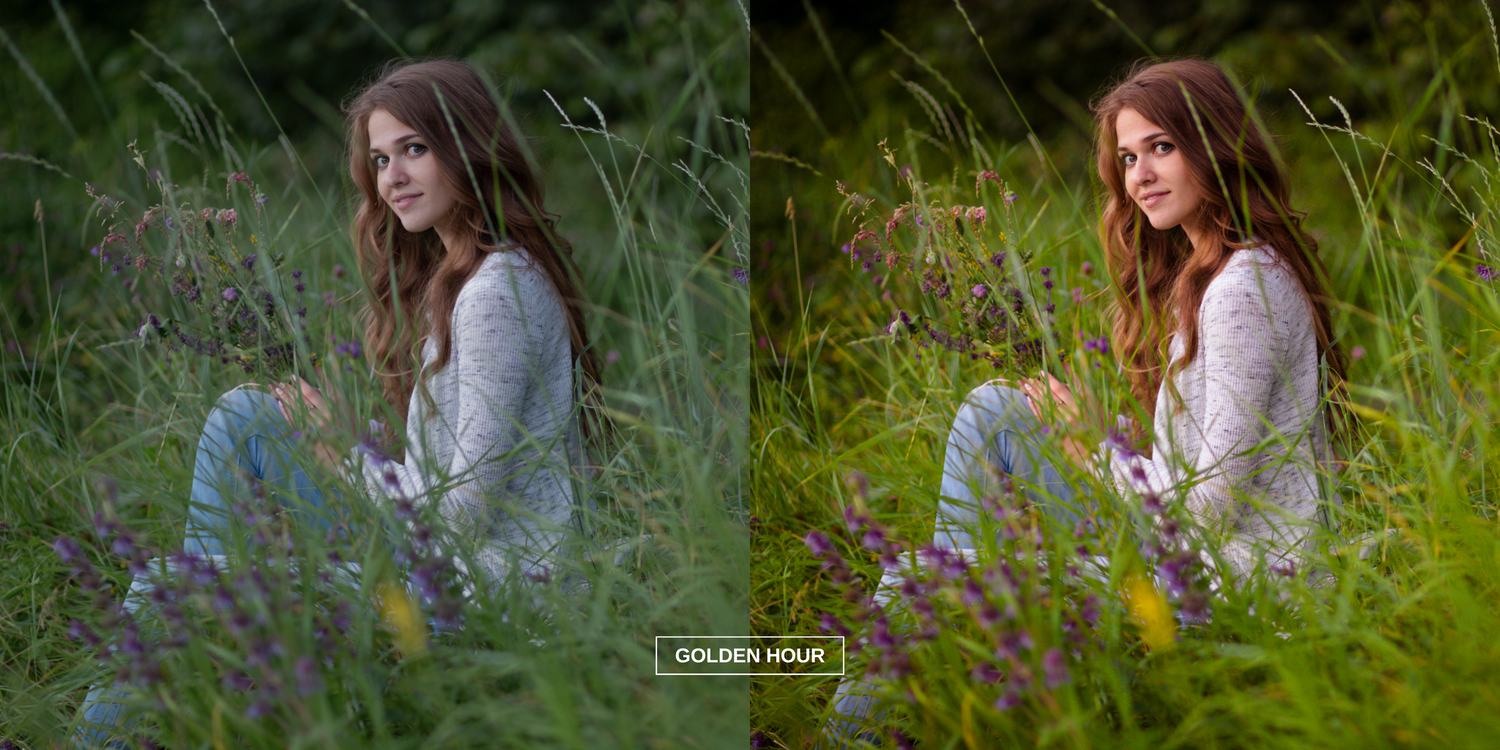
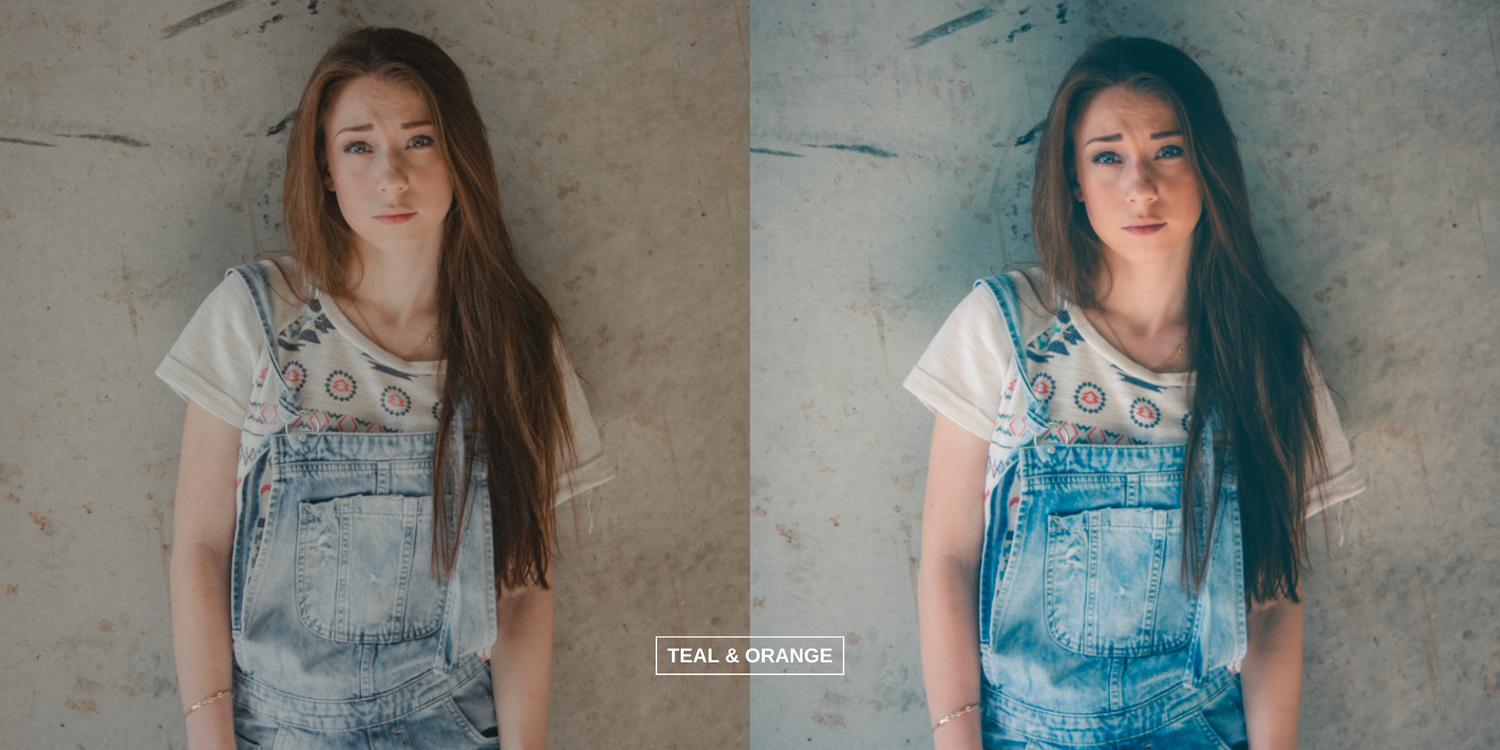
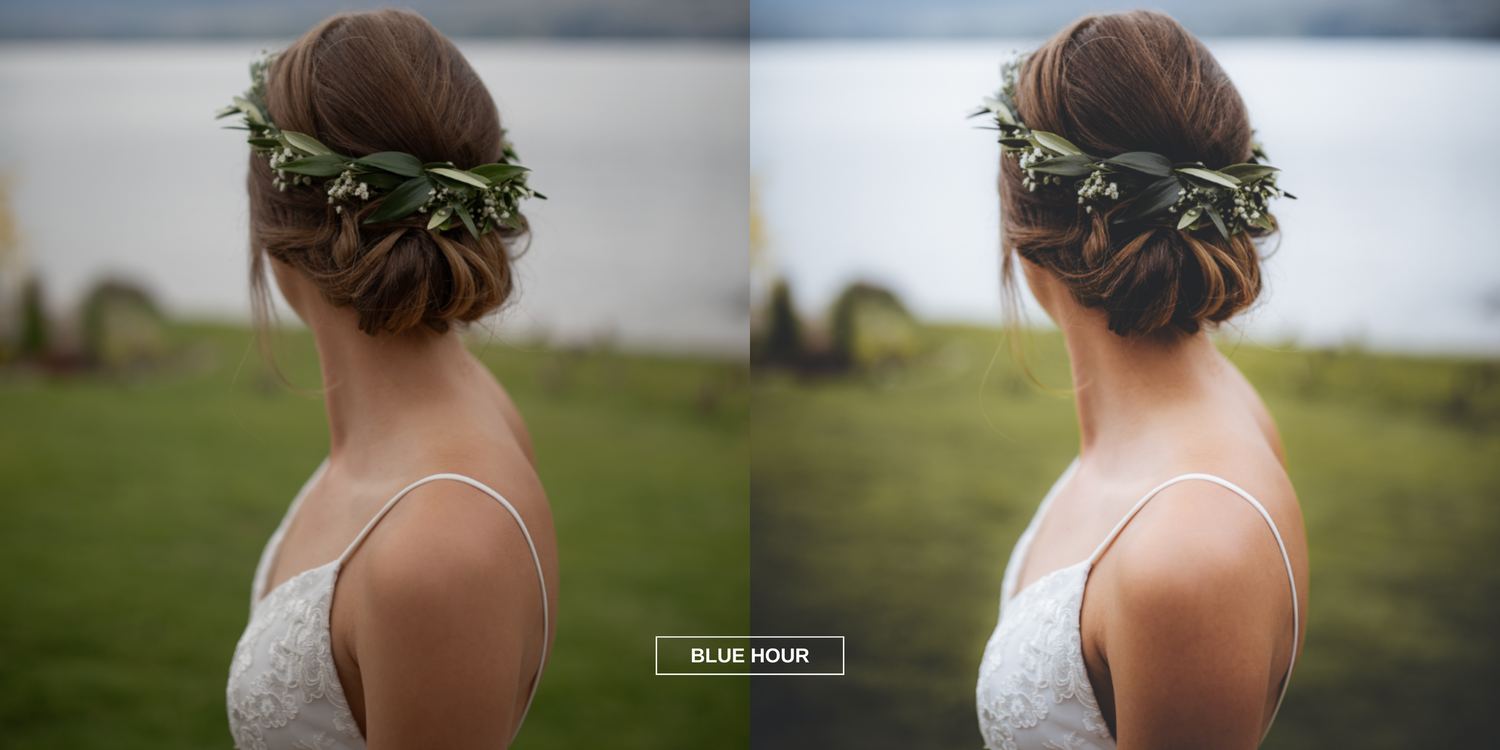
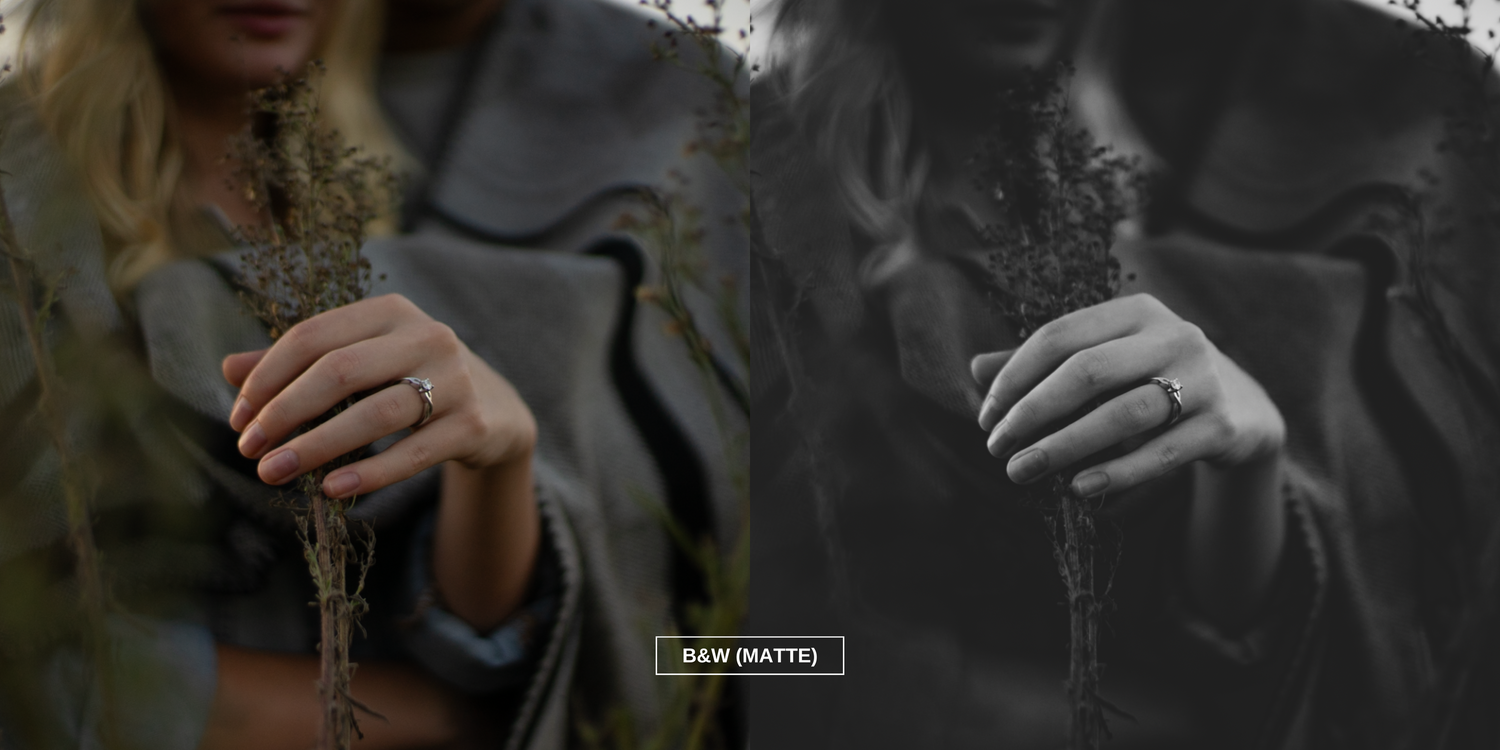
Introducing my Signature Presets Collection Pack for Adobe Lightroom
Elevate your photography game with the magic of Rounak Bhavsar's Signature Presets Collection.
Designed to bring out the best in your images, these presets are a reflection of my years of experience in capturing and editing photographs.
Whether you're a professional photographer or an enthusiastic hobbyist, these presets will help you achieve stunning, consistent results with just a few clicks.
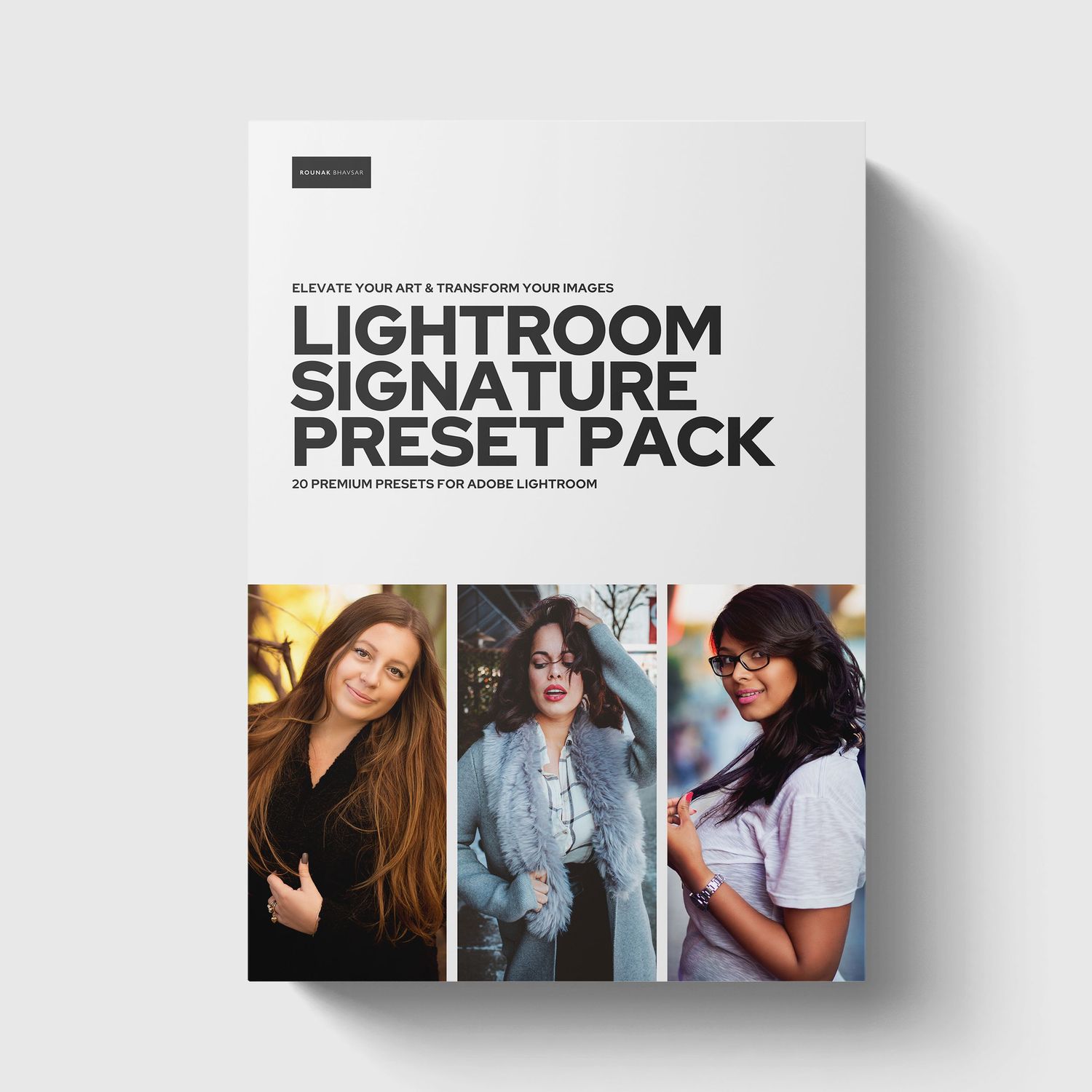
Signature Preset Pack (Adobe LR)
$19.99
A collection of 20 Premium Signature Presets for Adobe Lightroom.
If you're someone who's looking for those professional photos that 'pop', these presets are going to help you achieve that.
Unleash your creativity!
Features
01.
Timeless Elegance
My presets are carefully crafted to infuse your photos with an air of classic sophistication. From rich, vibrant landscapes to intimate portraits, each preset adds an enchanting touch that transcends time.
02.
Seamless Consistency
Achieving a cohesive look across your photography portfolio is effortless with my presets. Say goodbye to the struggle of matching colors and tones – these presets are meticulously designed to ensure your images flow seamlessly together.
03.
Versatility at Your Fingertips
No two photos are the same, and my presets are versatile enough to adapt to a range of shooting conditions and lighting situations. Whether you're shooting indoors or outdoors, during golden hour or in the heart of the city, these presets provide stunning enhancements that suit your unique style.
04.
Effortless Customization
While my presets work beautifully "out of the box," they're also designed with customization in mind. Tweak the settings to your liking and watch your images transform in real-time. With a simple adjustment of sliders, you can make each preset truly your own.
Signature Preset Pack
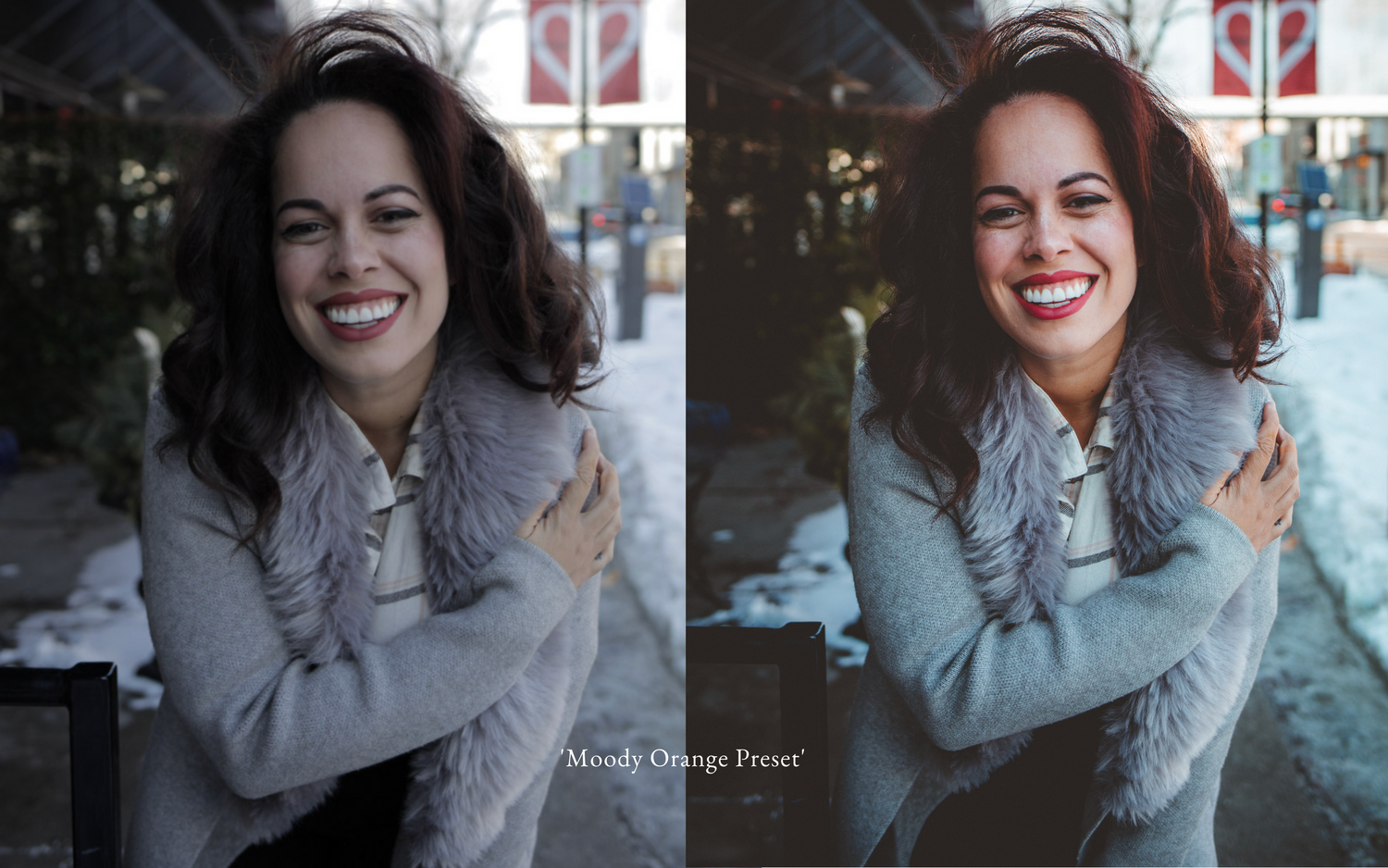
How to use these presets?
These steps will have you editing your images in 4 simple steps!
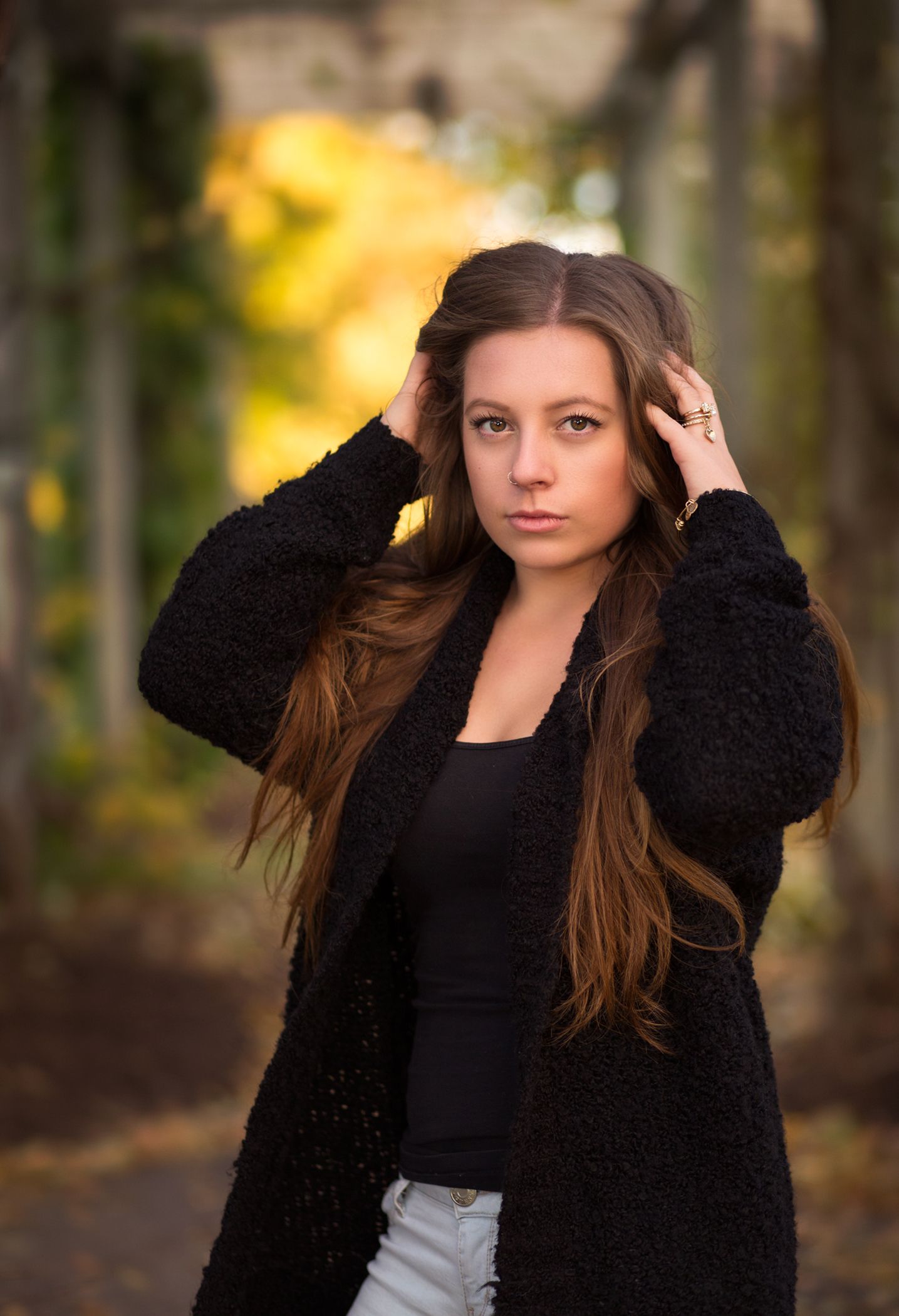
Apply the preset
Import your presets into Lightroom. Apply a preset to your RAW image. (Presets work best with RAW images, not JPEGs).

Adjust exposure
Adjust the exposure of your image with the exposure slider to your liking.
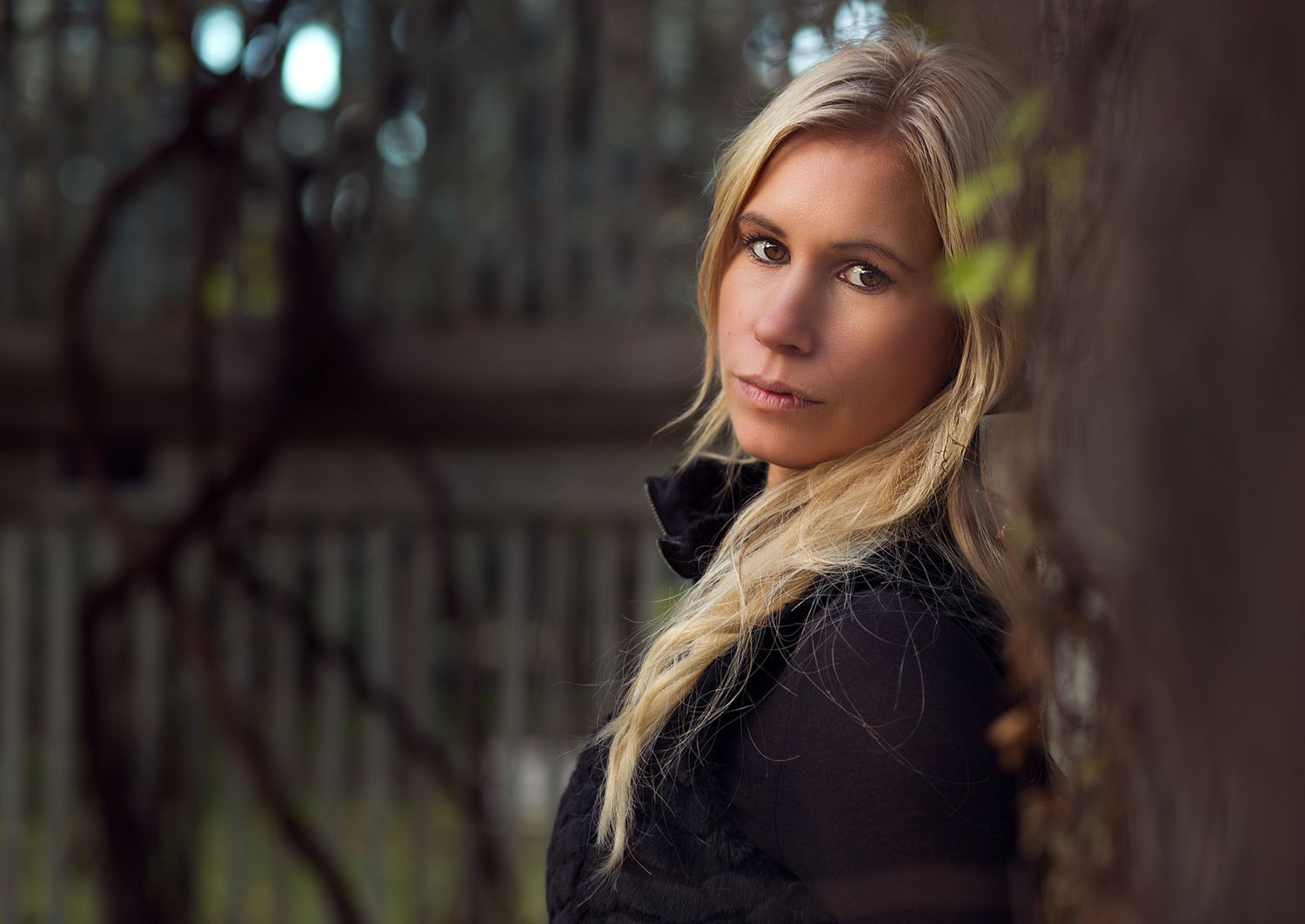
Adjust white balance
Adjust the white balance of your image using the slider to warm it up or cool it down.
This is a crucial step as the white balance on every preset is set to 'As Shot'.

Add your touch!
Remember, presets give you a strong starting point and foundation.
Make your own final tweaks to make the image unique and true to your own style.
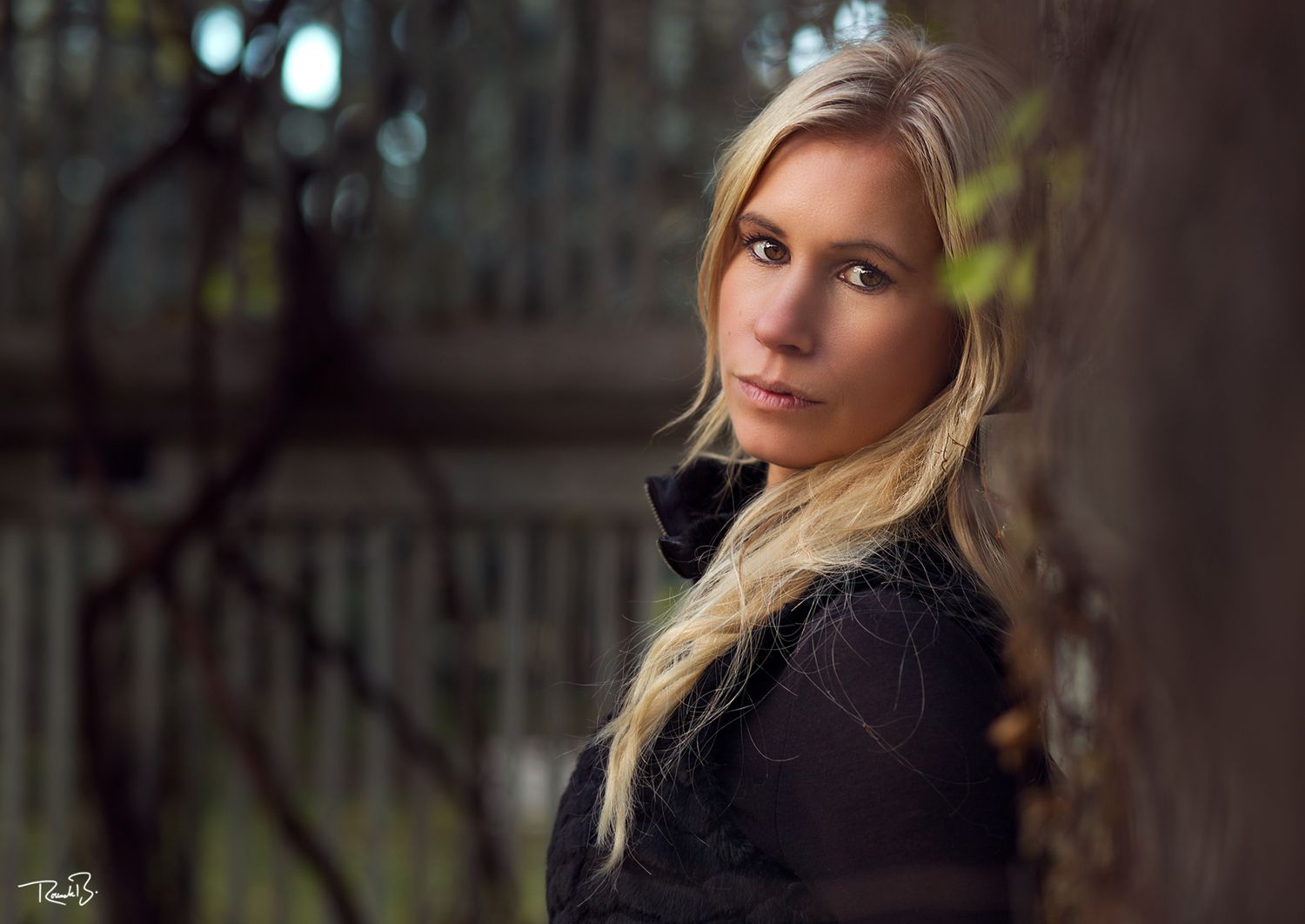
What's Included?
This preset pack consists of 20 total presets. Please note that these presets work best on RAW images.
Make sure you keep your Adobe Lightroom application up-to-date.
How to install these presets?
Installing and using my presets is a breeze.
Extract the ZIP file (to your desktop computer, not to your phone).
Open Lightroom CC and go to the Presets section. Click on File > Import Profiles & Presets.
Select the presets ZIP file(s) and click Import. → Selecting the ZIP file.
Restart LR and your presets will now be listed in the Presets section.
Why should I purchase this preset pack?
Invest in your artistry and transform your photographs into captivating masterpieces with my Signature Presets Collection. Take the first step towards creating a visual narrative that speaks volumes.